Removing activities from devices
Last updated - Mar 18, 2025 at 9:30AM
See the below options for removing activities from devices.
Un-dispatch from selected devices
To remove activities from selected devices (instead of removing from all devices), un-dispatch the activity from the selected devices. See Un-dispatching activities from a device for more info.
Remove from all devices
To remove an activity from all devices and prevent employees from logging any more time against it, navigate to the Setup > Activities screen within your web dashboard and perform either of the following actions:
Delete activity
Click to select each activity record you want to delete. Once selected, click the Delete button in the left-hand actions menu.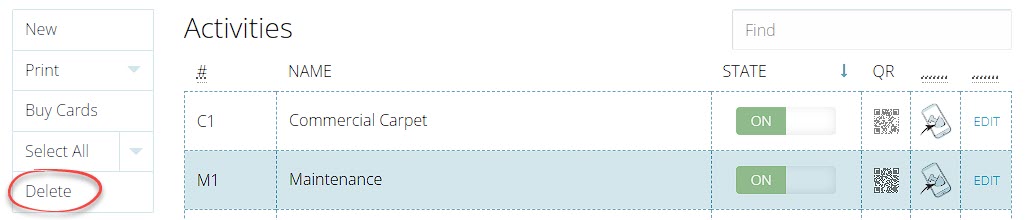
Turn off activity
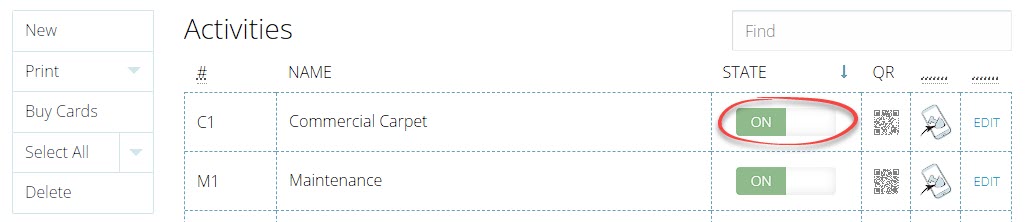
Click on the State switch for the activity record to toggle the visibility on or off.