Modifying time
Last updated - Jun 02, 2020 at 2:55PM
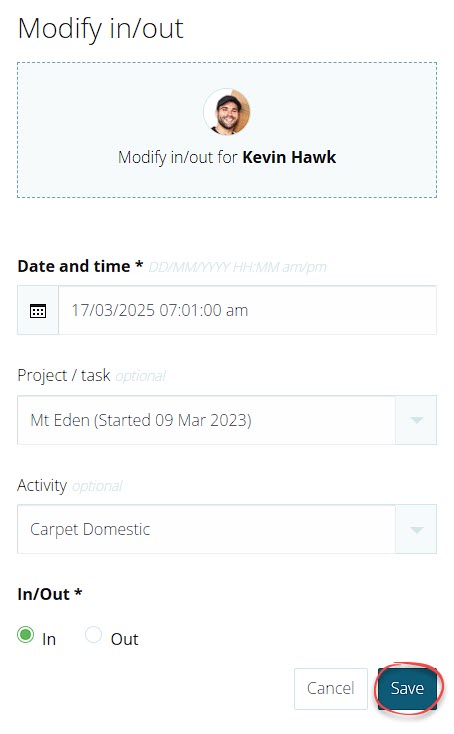
To modify the amount of time recorded for an employee, you'll need to manually edit the individual IN or OUT entries. Follow the steps below to modify existing entries:
Navigate to the Timesheet view.
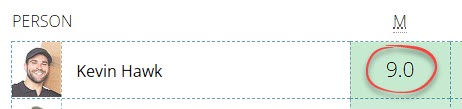
Click on the number of hours in the day cell for the employee.
Locate the IN or OUT entry that needs to be modified and then click the EDIT button at the right-hand end of the table row.

Change the required details and then click the Save button.