Bulk updating time entries
Last updated - Feb 28, 2024 at 11:30AM
Follow these steps to quickly select and update multiple time entries from your TimeDock web dashboard:
Filter your time entries to select all that you want to update.
If there's a large number of entries, decide how many you want to update per batch and change the page size to that number.

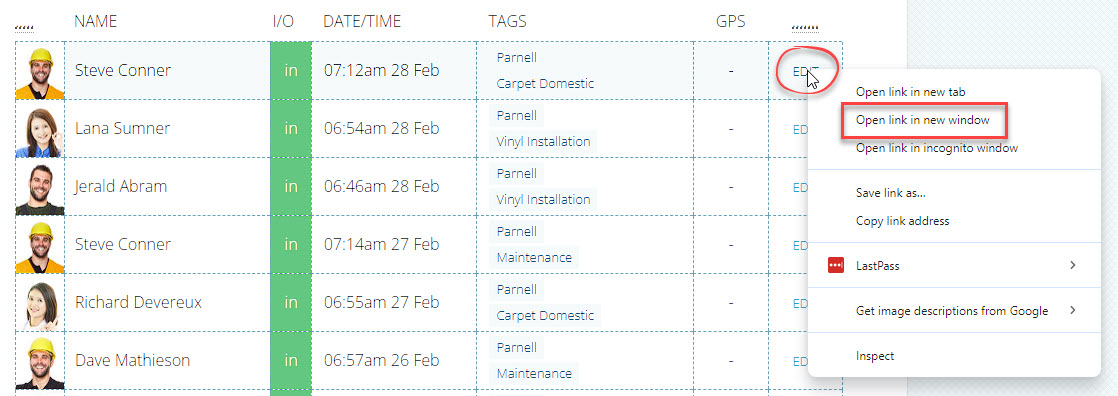
For each time entry on the page, right click on the row Edit button and click Open link in new tab.
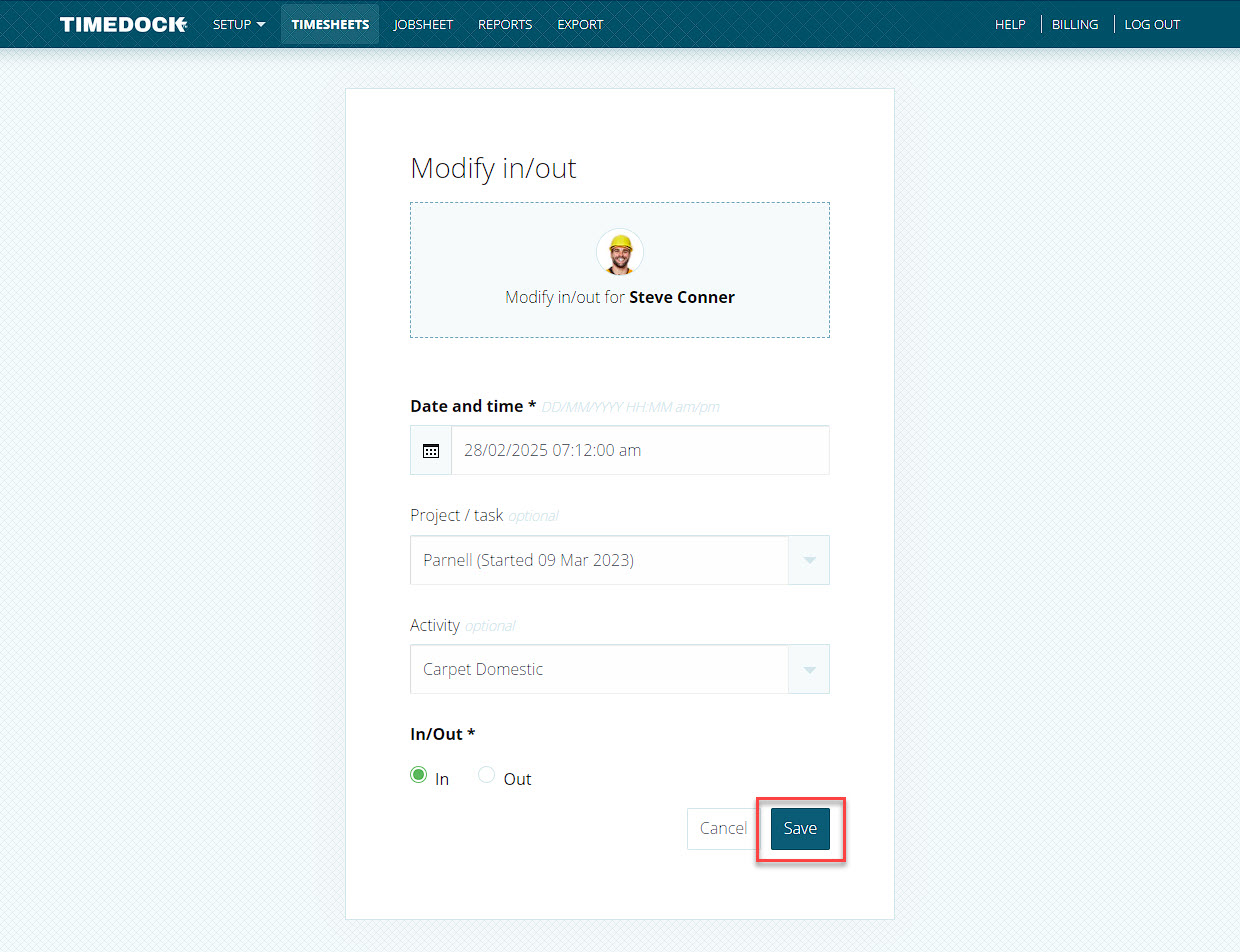
One by one, click on each tab, make your changes, click the Save button and then close the tab once complete.
Once all tabs have been updated and closed, repeat the process for any additional pages.